
To update the Chrome browser follow these 3 simple steps.
Click the 3 dots in the top right corner of the browser:

Navigate to the “Help/About Google Chrome” menu line and left click the option:

Chrome will now check for any updates and apply if available:
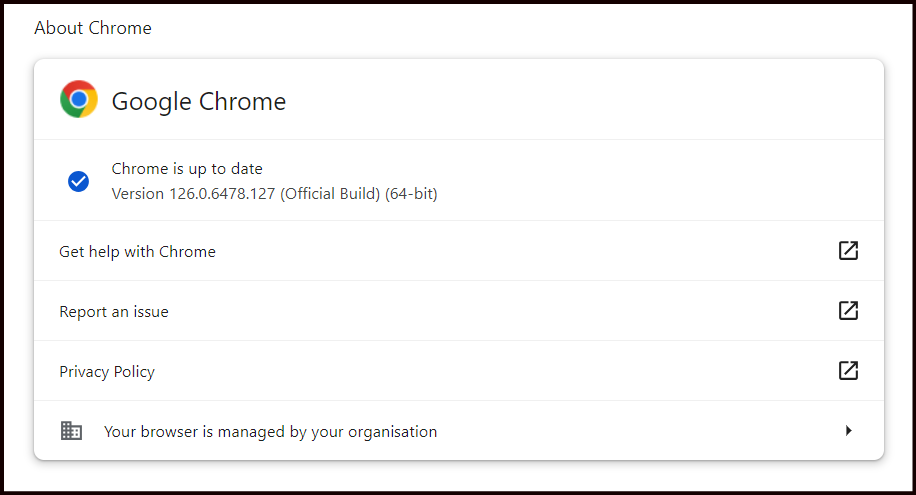
Once complete, restart the browser and that’s it complete.